
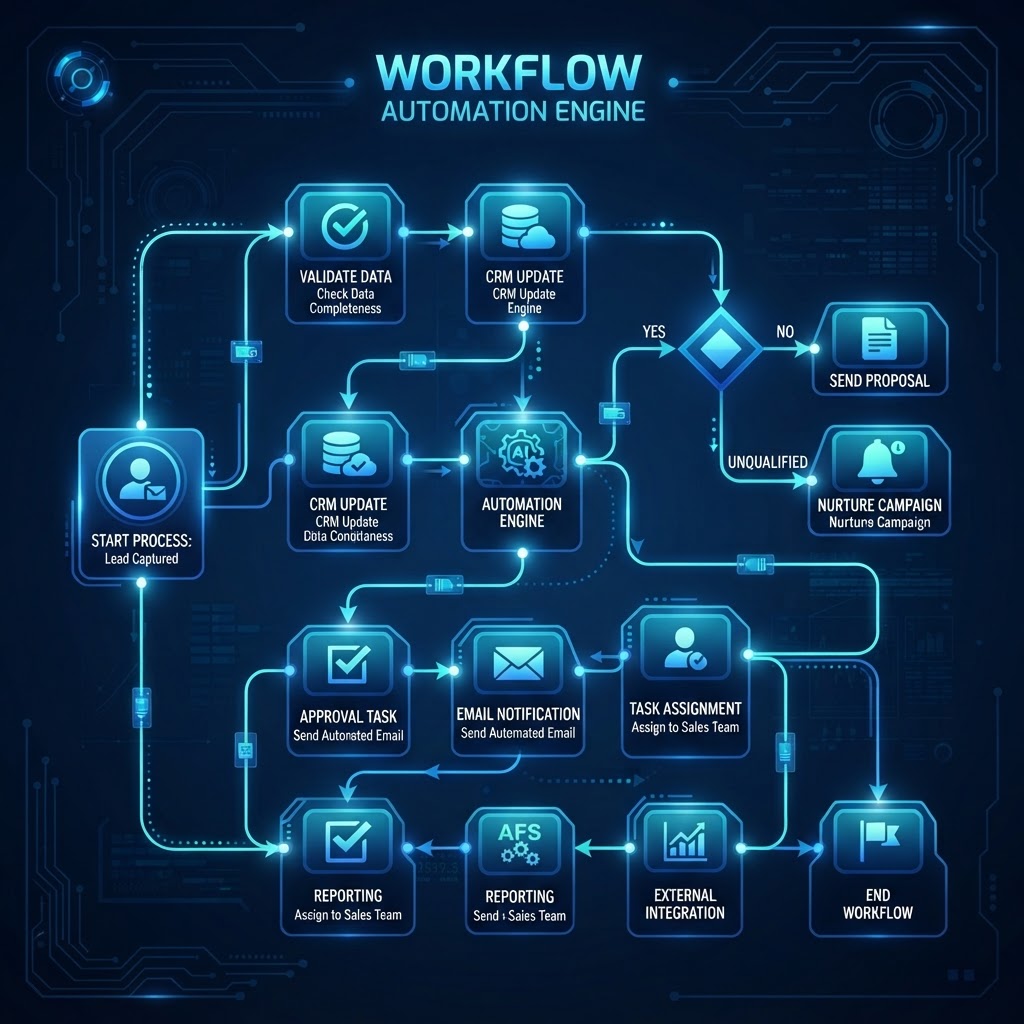
Solopreneurs rarely run out of ideas. They run out of time to move those ideas through the small, repetitive steps that keep a business running. AI workflow automation can help by turning scattered inputs into organized next actions, drafts, reminders, and follow-ups.
The best setup is not a maze of clever prompts. It is a small system with clear handoffs: capture information once, let automation organize it, and keep a human review step before anything important is sent or published.
What is AI workflow automation?
AI workflow automation combines ordinary triggers and actions with a language model that can interpret, summarize, classify, or draft information. A new form submission might be categorized, summarized, added to a customer list, and turned into a suggested reply. A rough voice note might become a task list or a blog outline.
Traditional automation is excellent at predictable rules. AI is useful when the input is messy or written in natural language. Together, they can handle the administrative middle ground that is too repetitive to deserve your attention but too varied for a simple rule.
The four-part solopreneur workflow
1. Capture
Choose one reliable inbox for ideas, requests, receipts, meeting notes, and leads. This can be a form, email label, notes app, or lightweight database. The important part is not the brand of tool; it is that you do not have to decide where something belongs while you are busy.
2. Interpret
Use AI to extract the useful fields from each item. For a lead, that might mean name, company, need, urgency, and next step. For a content idea, it could mean audience, search intent, suggested angle, and questions the article should answer.
3. Route
Once the information is structured, route it to the right place. High-priority requests can become tasks. Sales inquiries can enter a follow-up list. Good content ideas can move into an editorial queue. Routing turns a clever AI response into something operational.
4. Review
Keep a short approval step for customer communication, financial decisions, public posts, and anything involving personal or sensitive information. Automation should remove busywork, not remove judgment.
Three automations worth setting up first
Turn inquiries into follow-up tasks
When a new inquiry arrives, have AI summarize what the person wants, identify a likely urgency level, and draft a short reply. Save the summary and proposed next step with the inquiry, then review the draft before sending. This prevents promising something the business cannot deliver while still eliminating the blank-page problem.
Convert notes into usable content
After a client call or brainstorming session, send the notes through a workflow that extracts decisions, open questions, tasks, and possible content topics. The result can create a task list and a few editorial ideas in minutes. You still provide the expertise; AI simply makes sure useful details do not disappear in an unsearchable document.
Create a weekly business briefing
At the end of the week, combine unfinished tasks, new leads, upcoming appointments, and important messages into a concise briefing. Ask AI to group the information into wins, risks, decisions, and the three most important priorities for next week. A short briefing is much easier to act on than a dozen disconnected notifications.
How to choose tools without overbuilding
Start with the tools you already use. Look for a clear trigger, a structured destination, and an export or backup option. A good workflow should be understandable enough that you can explain it in a few sentences and repair it when one step fails.
Prioritize integrations, predictable pricing, access controls, and the ability to inspect the data being sent to an AI service. Avoid adding a new application just because it has an impressive demo. Every tool creates another place to maintain.
Important guardrails
- Protect confidential data: Do not send passwords, payment details, or unnecessary personal information into a workflow.
- Verify facts: AI-generated summaries and drafts can be confidently wrong. Check names, numbers, dates, and claims.
- Keep an audit trail: Save the original input and the approved output for important business processes.
- Measure time saved: Keep workflows that reduce friction. Remove the ones that create more cleanup than value.
A simple 30-day implementation plan
During week one, list the repetitive tasks you perform and estimate how often each occurs. During week two, automate one low-risk process, such as turning notes into tasks. In week three, add a review step and test unusual inputs. In week four, measure the results and document what should happen when the workflow fails.
One dependable workflow is more valuable than ten unfinished experiments. Once the first system is stable, reuse its structure—capture, interpret, route, review—for the next process.
Recommended on Amazon
As an Amazon Associate, I earn from qualifying purchases. Product availability and prices can change.
- Digital notebook — useful for capturing ideas and meeting notes in one place.
- Ergonomic wireless keyboard and mouse — a practical upgrade for long admin and writing sessions.
- USB microphone — helps create clearer recordings for calls, voice notes, and content.
- Portable external SSD — a simple option for keeping local backups of important work.
Final takeaway
AI workflow automation works best when it supports a business process that is already clear. Pick one repetitive task, define the handoff, add a human review point, and measure whether it actually makes your week lighter. The goal is not to automate everything—it is to keep your attention available for the work only you can do.
Leave a Reply